Skip to content
Hero Background Light

Marble Blast Online Gold • Platinum • Ultra

A modern build of Marble Blast that keeps the physics you remember while unlocking leaderboards, cross-platform multiplayer, touch controls, replays, and rewind.

Choose your build and platform

Every dropdown combines online play with native downloads. Pick a version, then choose Windows, macOS, or Android without leaving the hero.

Heads-up for macOS: move the .app into /Applications (or ~/Applications) before opening, then approve the Gatekeeper prompt via Settings → Security & Privacy → Open Anyway.

Essential features built for modern Marble Blast

Accurate physics, multiplayer parity, and QoL staples like replays, rewind, and touch support keep every release tournament-ready.

Accurate physics

Reverse Engineered marble physics stay within ~1% of the original game’s physics.
Cross-platform multiplayer

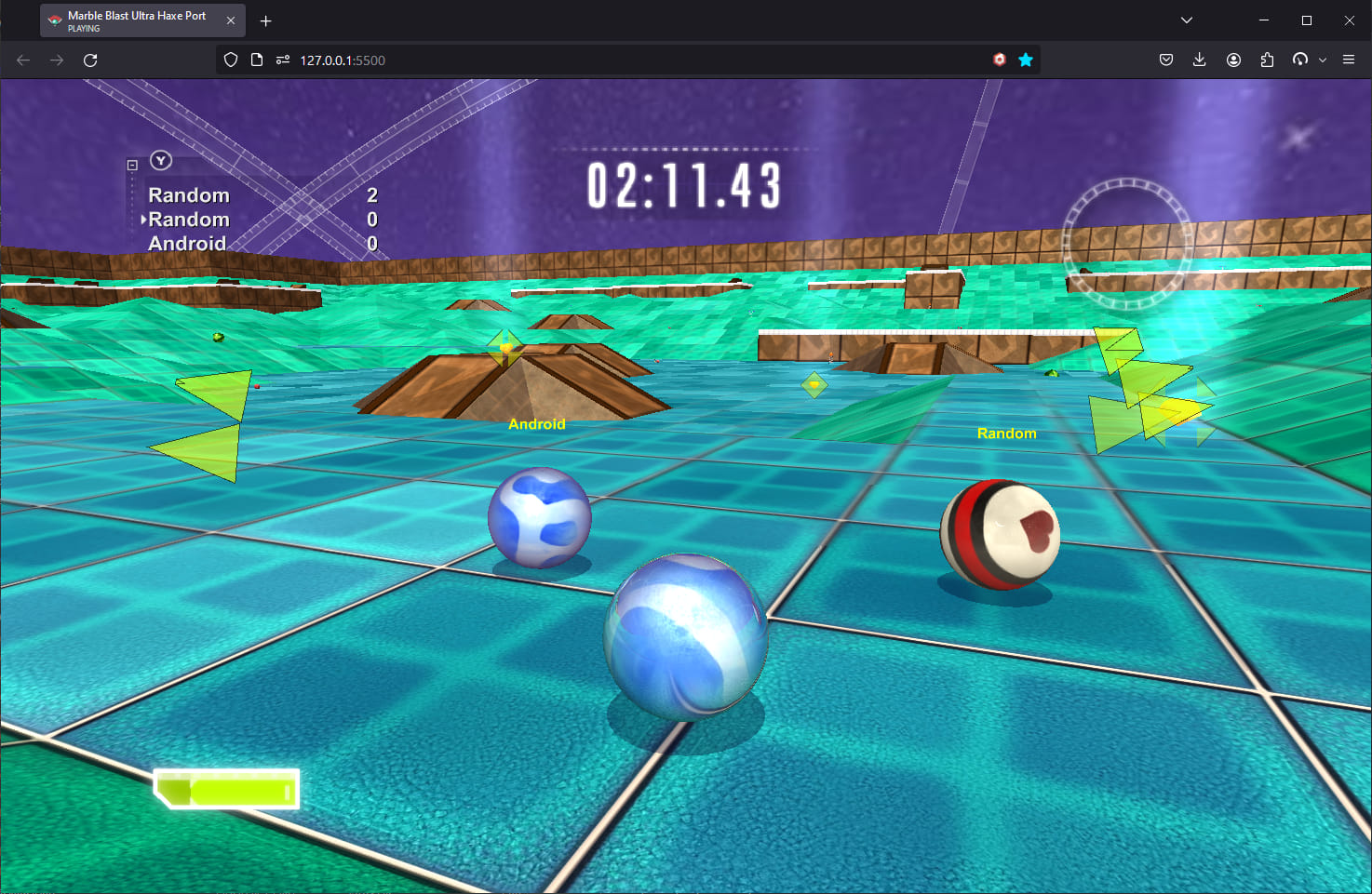
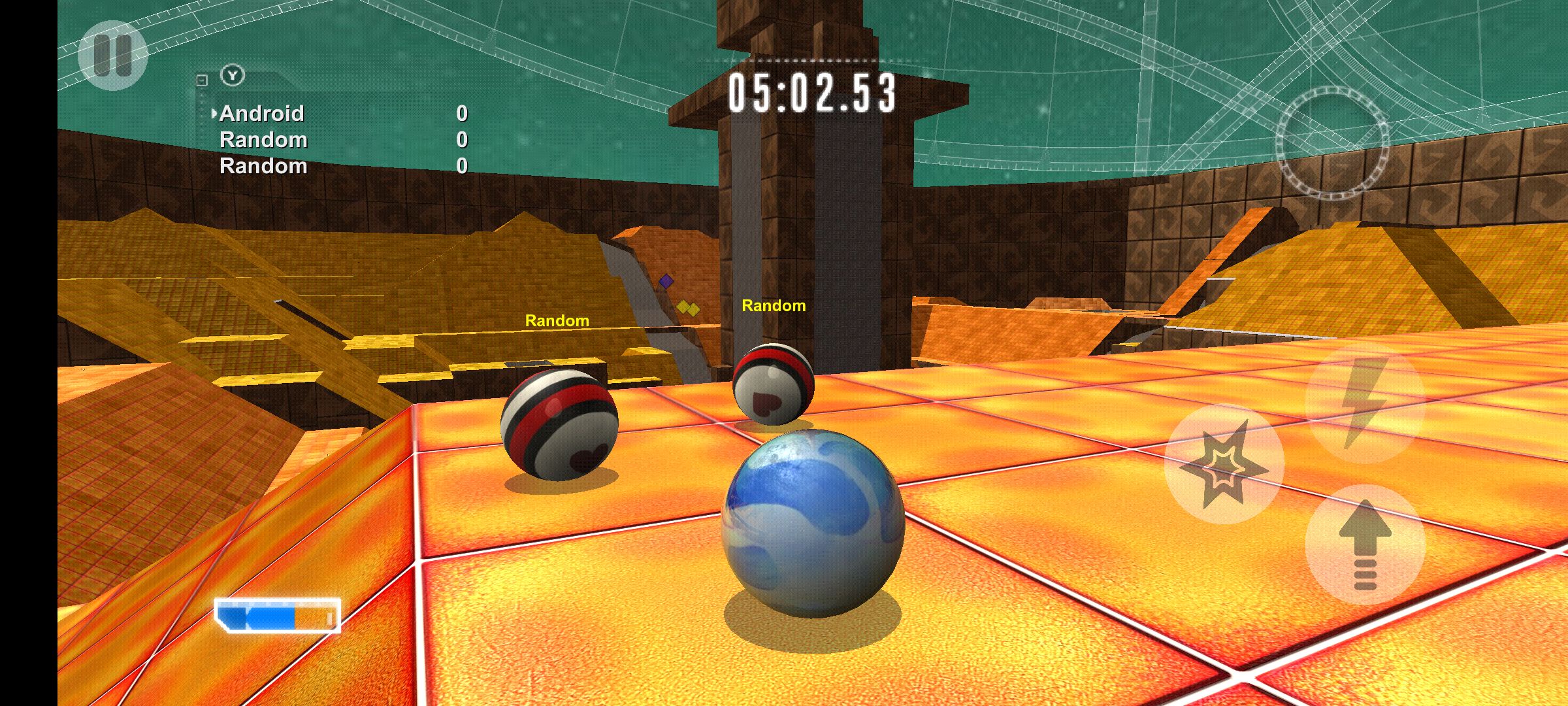
Ultra and Platinum let Windows, macOS, Android, and browser players play with each other in the same lobbies.

Replay everything

Use the built-in replay recorder to capture your best runs.

Rewind button

Enable rewind in Options and hold R (or a mapped button) to fall back without resetting.

Controller support

Ultra ships with full gamepad bindings; Gold and Platinum include partial mappings you can extend.

Touch Controls

Browser + Android builds expose touch steering, jump, and camera controls for tablets and phones.

Custom Levels

Platinum supports thousands of community-made levels from the original MBP, constantly expanded by the community. Ultra includes a limited selection of these levels as well.

Leaderboards

Compete for the best times on official and community levels with per-level global rankings.

Live multiplayer lobbies Platinum + Ultra

Auto-refreshing snapshot of open rooms pulled from the game server every 15 seconds.

Marble Blast Platinum

Real-time lobby snapshot

Active Lobbies

No lobbies are open right now. Check back soon.

Past Lobbies

  • Multiplayer Server

    Web

    1/8 players

    Version 1.7.1

    Closed: 10 hours ago

  • Multiplayer Server

    Web

    1/8 players

    Version 1.7.1

    Closed: 7 hours ago

  • Multiplayer Server

    Web

    1/8 players

    Version 1.7.1

    Closed: 49 minutes ago

Marble Blast Ultra

Real-time lobby snapshot

Active Lobbies

No lobbies are open right now. Check back soon.

Past Lobbies

  • Brano's Server

    Web

    1/8 players

    Version 1.2.5

    Closed: 12 hours ago

  • Bobla's Server

    Web

    4/8 players

    Version 1.2.5

    Closed: 9 hours ago

Showcase

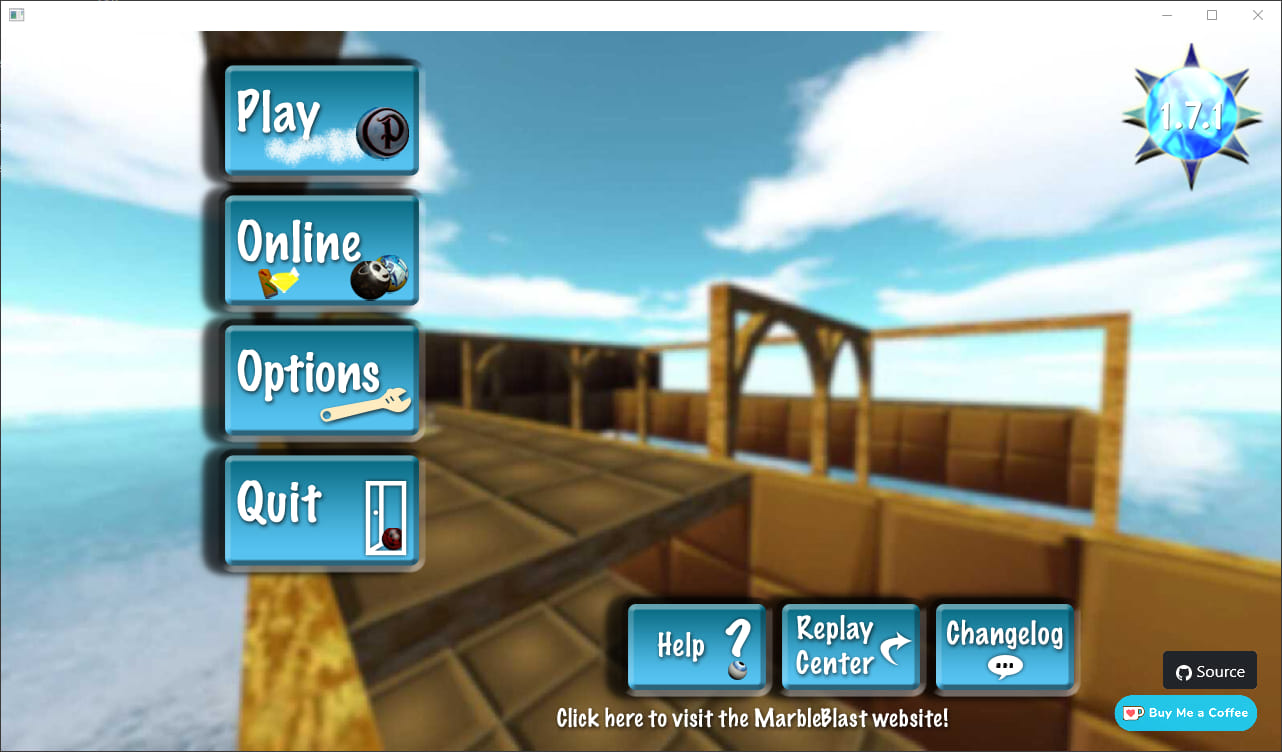
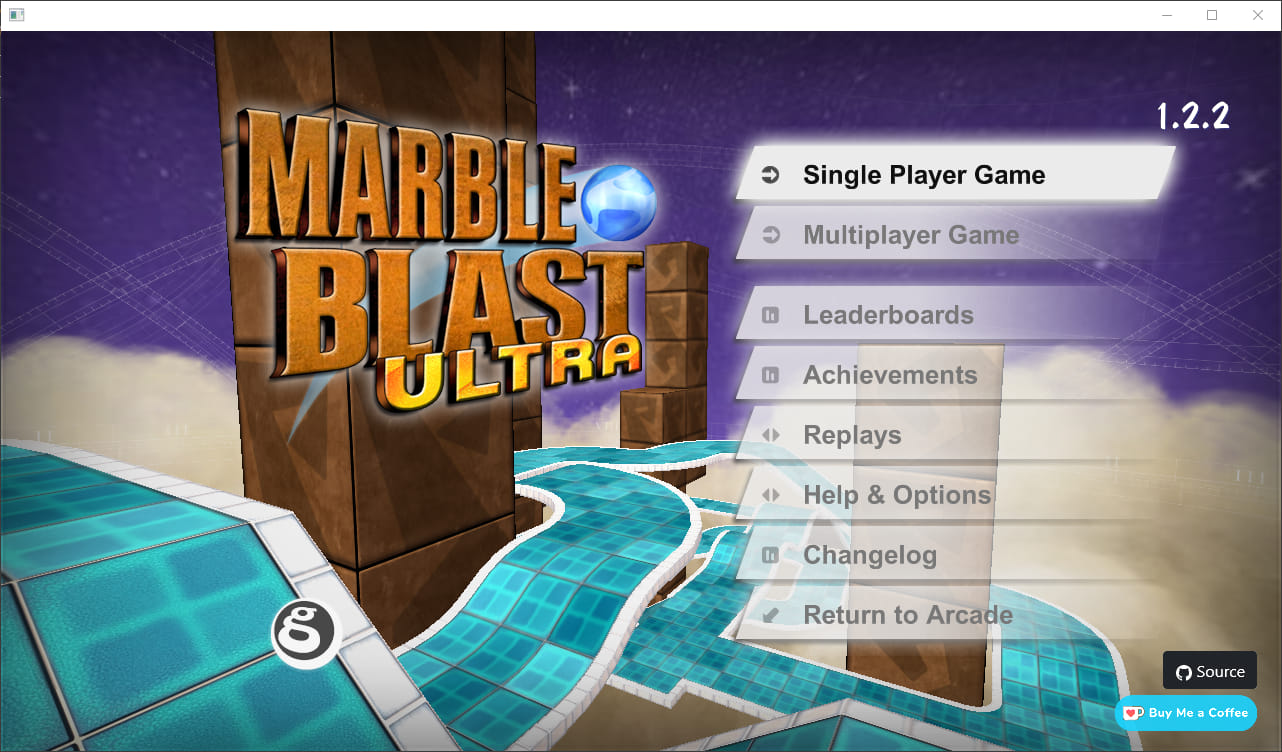
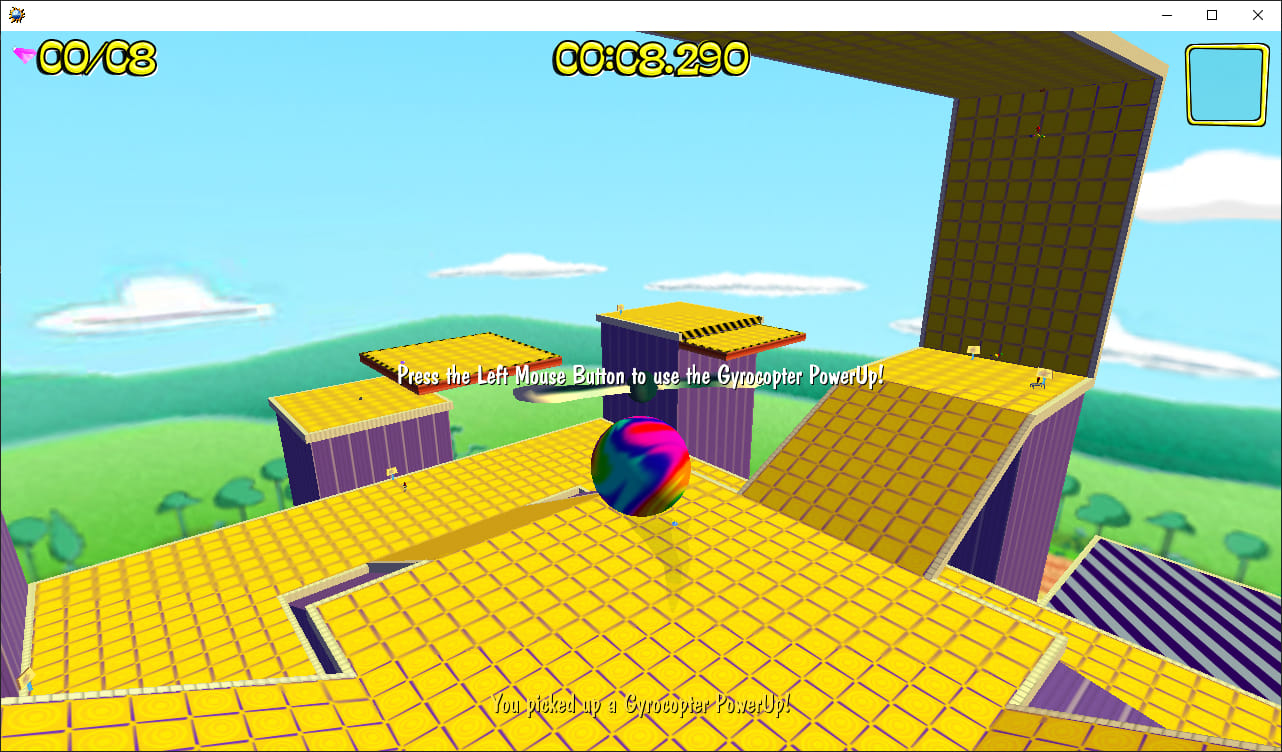
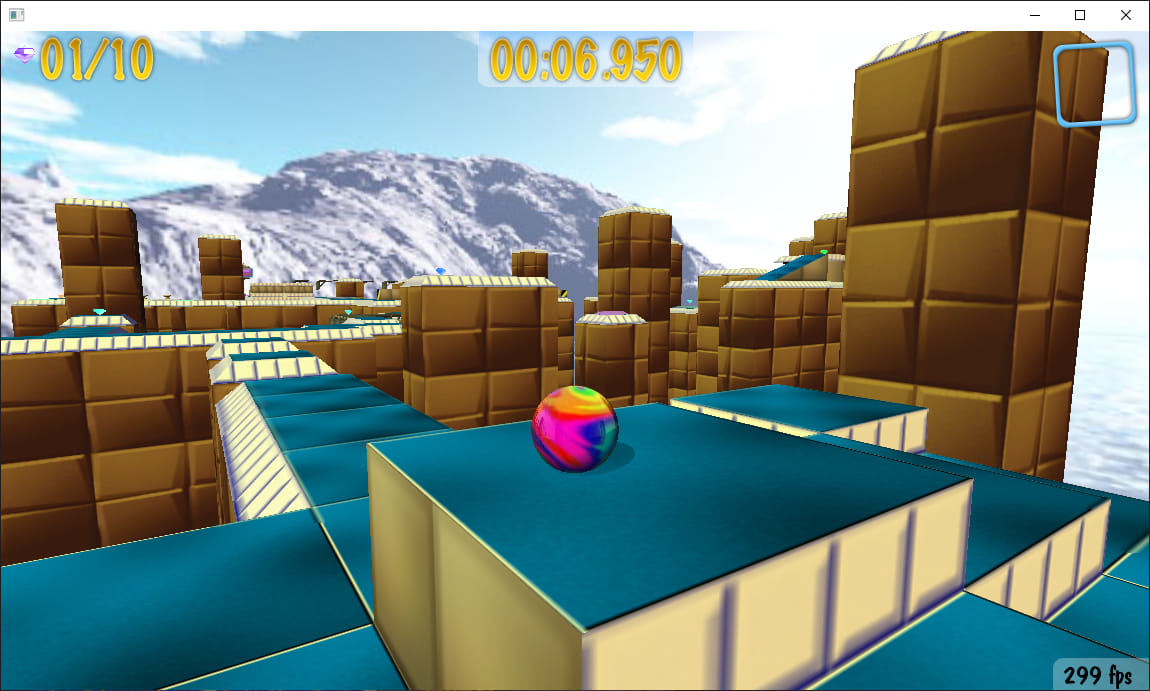
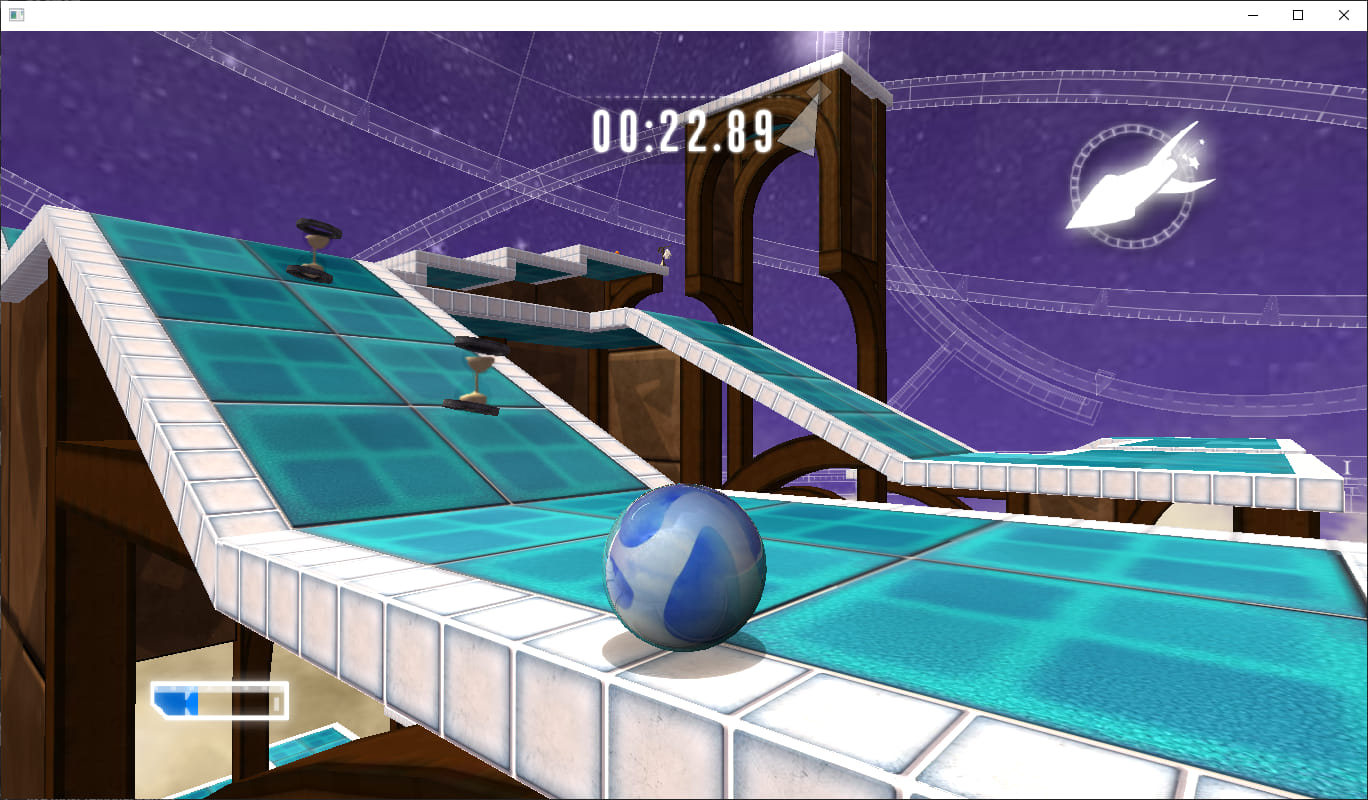
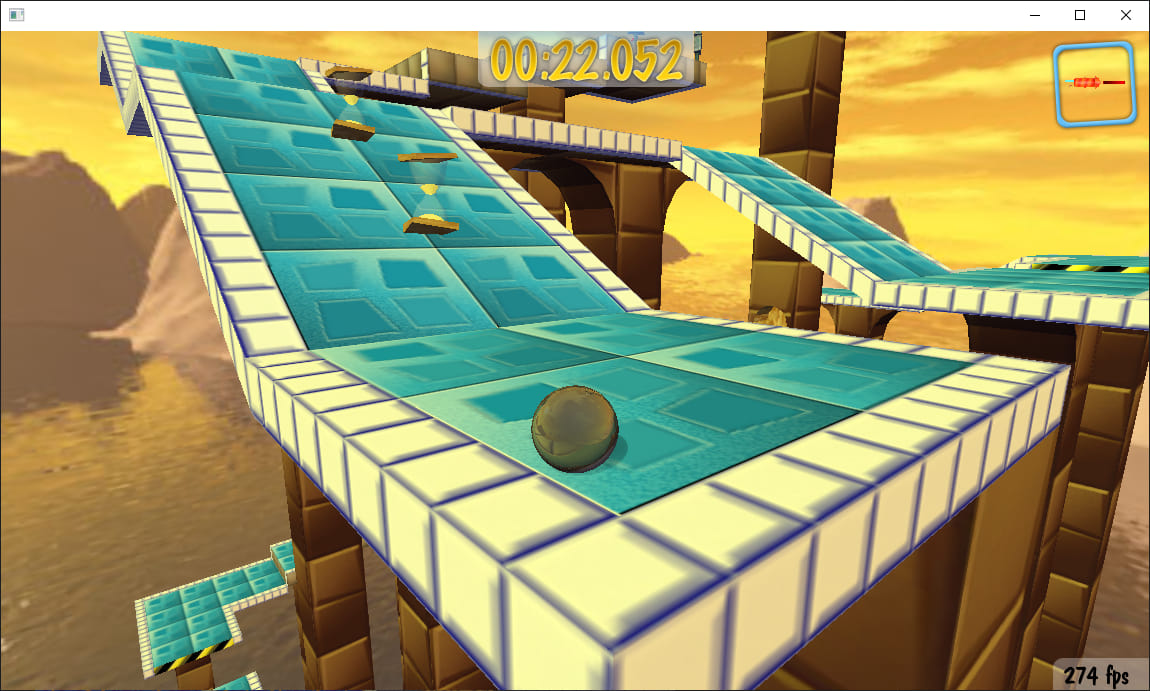
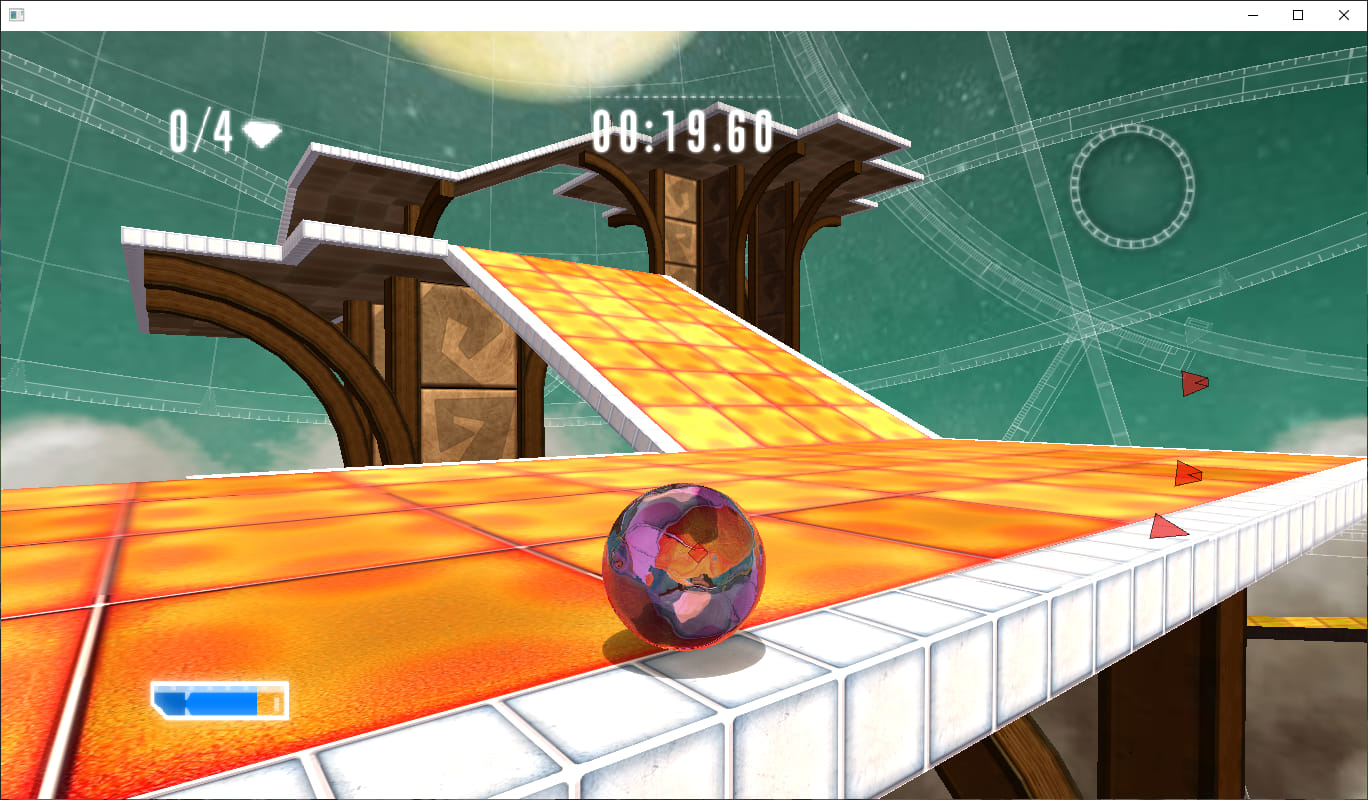
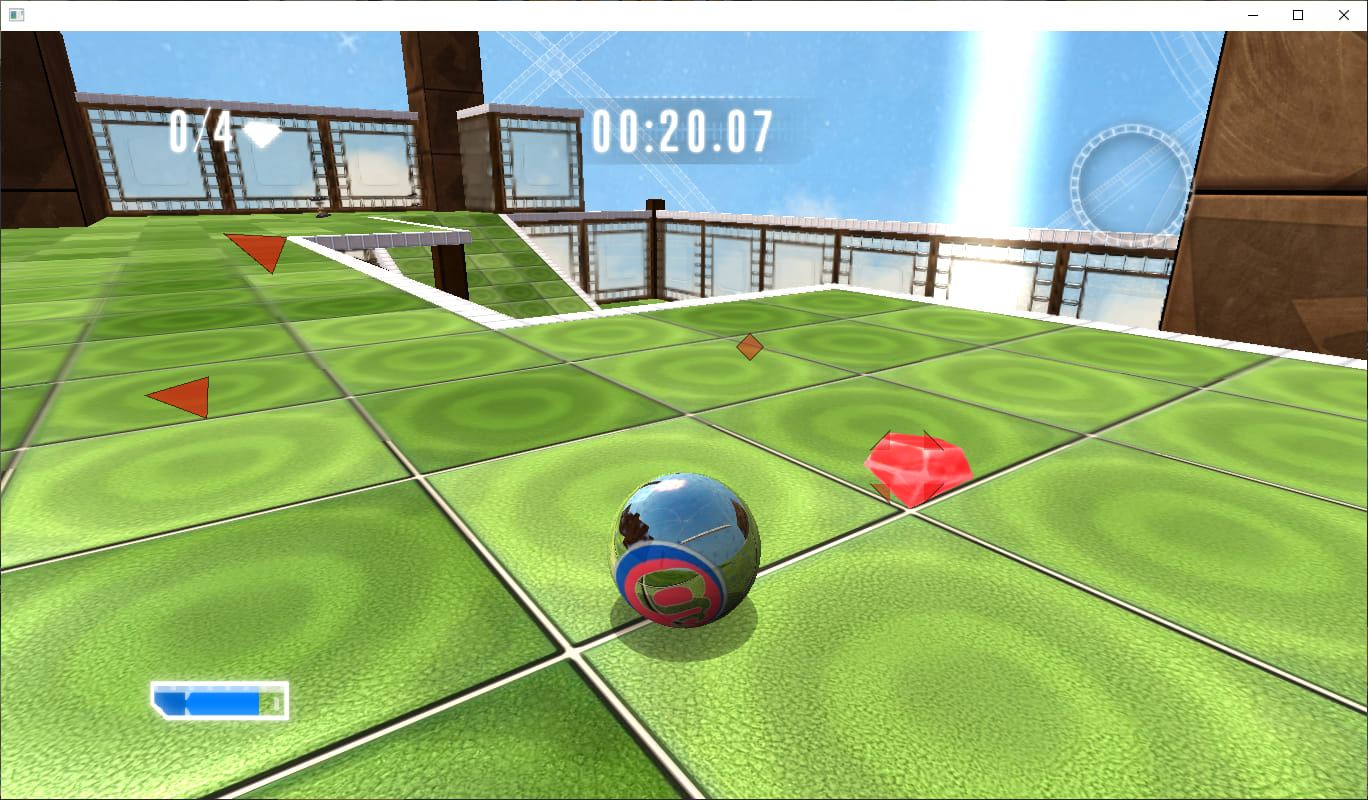
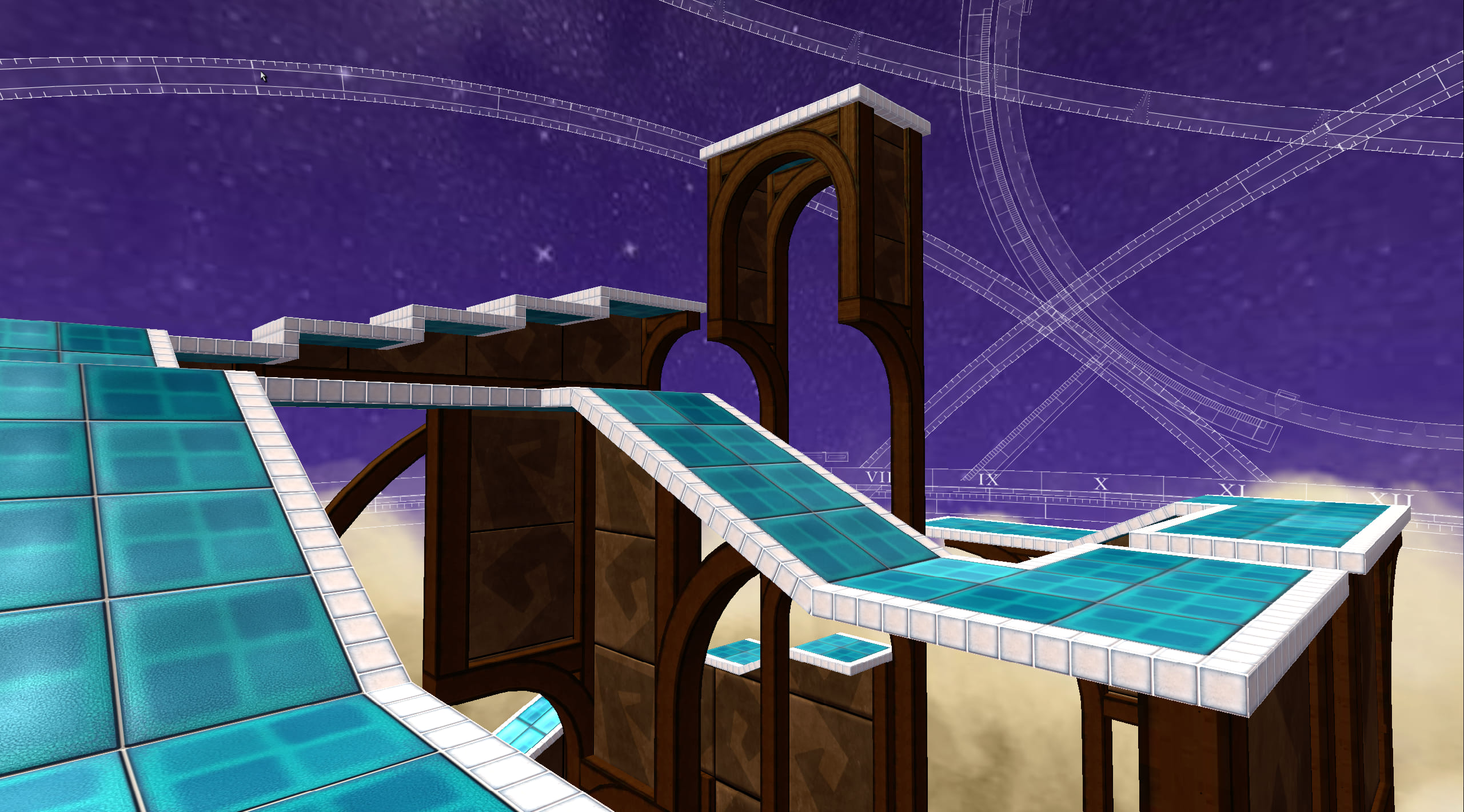
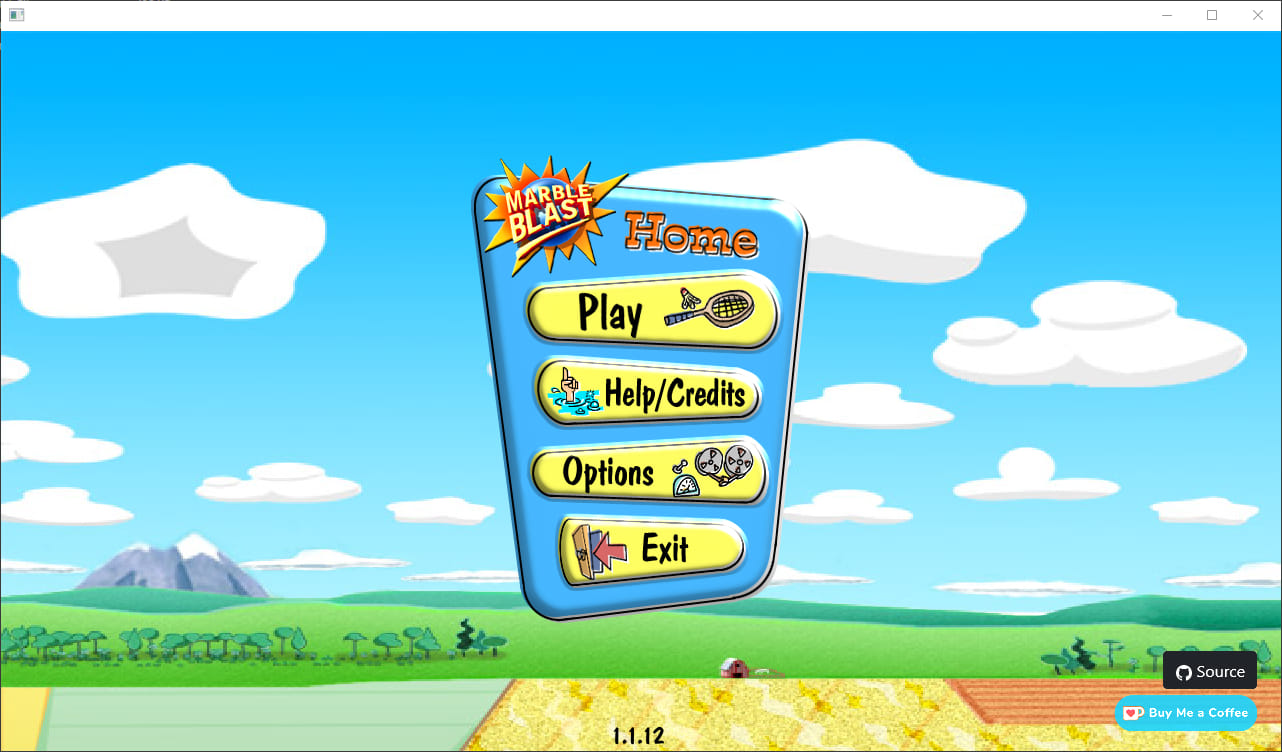
Take a look at the gameplay and menus across all three versions of the game.
Marble Blast Gold screenshotMarble Blast Platinum screenshotMarble Blast Ultra screenshotMarble Blast Gold screenshotMarble Blast Platinum screenshotMarble Blast Ultra screenshotMarble Blast Platinum screenshotMarble Blast Ultra screenshotMarble Blast Online screenshotMarble Blast Online screenshotMarble Blast Online screenshot

Need help? Start with these FAQs

Pulled from the project's README so you don't have to dig.

Gameplay

Questions about features

Settings

Video, audio, and controls

Support

Where to report issues

How do I update the game?

On windows and macOS, download the latest release from the GitHub releases page and replace your existing files. On Android, download and install the latest APK over your current installation.

How accurate are the physics?

The physics deviate less than 1% from the original games. For casual play, they should feel identical.

Can I rewind without restarts?

Yes. Enable rewind in Options, then hold the rewind key (defaults to R) or your mapped controller button.

How do leaderboards work?

Platinum and Ultra track your best times per level and submit them to global leaderboards. You can view rankings in-game or on the web dashboard. Your times are automatically synced when you finish a level while connected to the internet. If you get a world record, your replay is also submitted.

Can I play custom levels?

Yes! Platinum supports thousands of community-made levels from the Marble Blast Community. You can play these levels in-game from the level selection menu. Ultra includes a curated selection of custom levels. These custom levels are available for both Singleplayer and Multiplayer. Gold currently focuses on the official campaign.

How does multiplayer work?

Platinum and Ultra support cross-platform multiplayer across Windows, macOS, Android, and browser. Create or join a lobby from the multiplayer menu, and friends on any platform can join. The game uses client-side prediction with server reconciliation to keep gameplay smooth.

How do I transfer progress between devices?

This capability is only fully supported in Ultra. You can back up your progress through Options > Import & Export, and restore it a different device through the same menu.

How do I change resolution or FOV?

In the browser, resize the window or use zoom. Native builds let you resize the window. FOV can be adjusted in the Options menu for Platinum and Ultra; for Gold, you can edit <code>settings.json</code> to fine-tune FOV.

How do I unlock FPS?

The browser target is VSYNC locked. Native versions can unlock FPS through the in-game Options menu or by editing <code>settings.json</code>.

How do I rebind keyboard controls?

You can remap keys in the Options menu.

How do I rebind controller buttons?

This functionality is only fully supporteed in Ultra. Open Options -> Keybindings -> Gamepad Controls to remap buttons. For the rest of the games, you can edit settings.json to change controller bindings.

Can I customize touch controls?

On Android and browser builds, you can visit the Options menu to adjust button positions and size.

Where can I adjust camera sensitivity?

Camera sensitivity can be adjusted in the Options menu under Controls.

I'm unable to join multiplayer lobbies. What gives?

Make sure your firewall or antivirus isn't blocking the game. Additionally, ensure you're running the latest version, as outdated clients may have trouble connecting.

Why does a level load to a black screen?

Your GPU may not support the rendering features the game relies on. The workaround is to play on another machine or via the browser build.

Where do I report bugs and crashes?

Please contact us on Discord and create a detailed issue report on GitHub including your OS, steps to reproduce, and any relevant logs.

Can I request new features?

If it existed in the original game titles but not in this port, open an issue or PR once you've built a prototype. Otherwise, feature requests are handled case-by-case.

Stay in the loop

Everything funnels through Discord for realtime help, while GitHub tracks code and releases.

Discord Support

Join https://discord.gg/q4JdnRbVhF for live support, crash logs, multiplayer meetups, and announcement pings.

Open Discord

GitHub Releases

Source code lives at RandomityGuy/MBHaxe. Watch the repo for tagged releases and branch-specific builds.

View Repository